Capture the space
Take clear room photos so the architecture, openings, light, and existing features remain visible.
AI room design
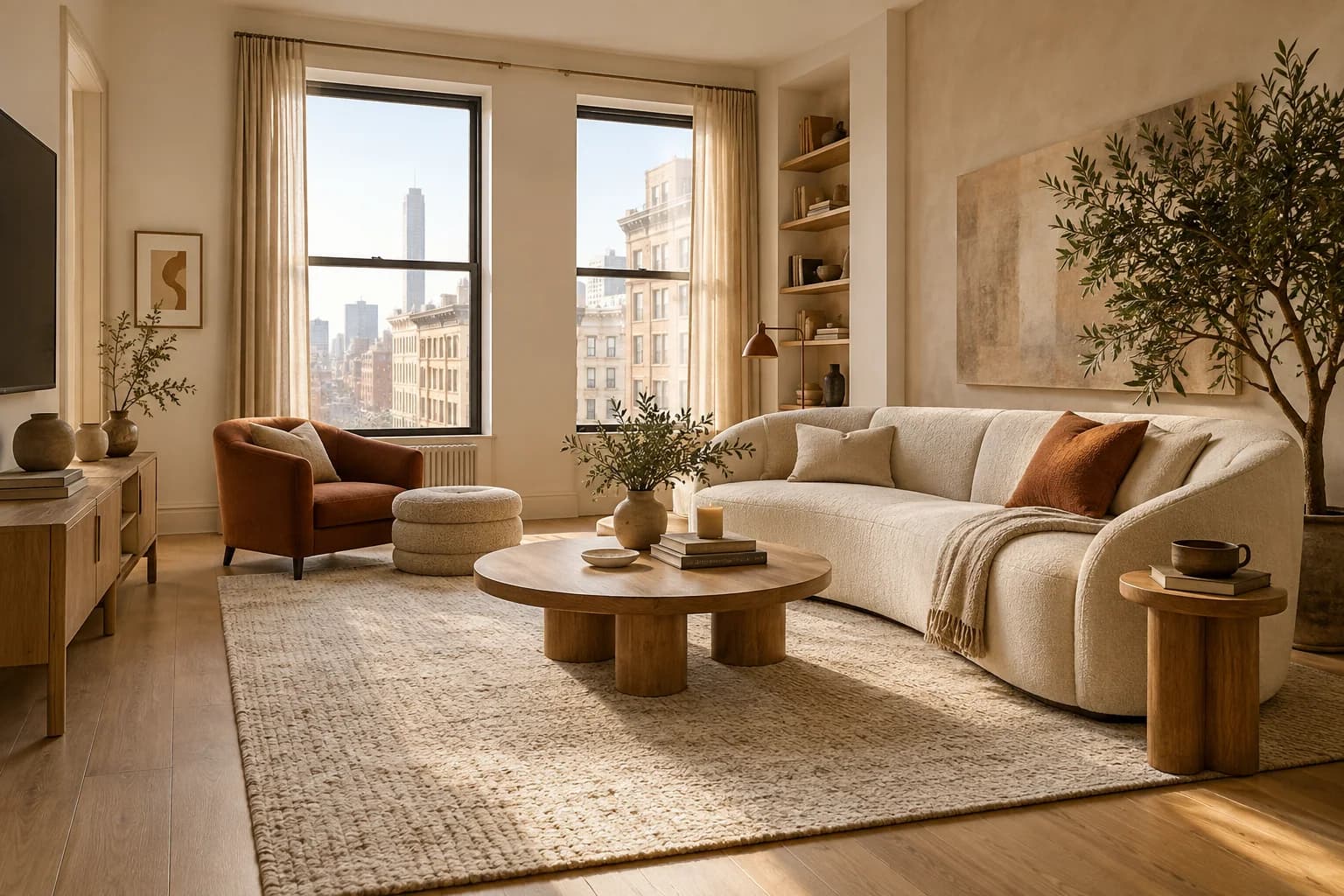
Photograph a real room, explore a design direction, and turn the one you choose into a practical furnishing plan.
A simple path
The studio keeps the creative work connected to the decisions a host actually needs to make.
Take clear room photos so the architecture, openings, light, and existing features remain visible.
Choose the room type, style, budget, guest needs, and the details you want the concept to respect.
Compare concepts with the original, refine the best one, then build a searchable list of pieces.
What Design Studio means
It helps you answer one question quickly: what should this exact room become? You remain in control of the selected design, measurements, products, and final purchases.
Every concept begins with a room you manage and a brief you approve.
The selected image becomes context for furnishing—not a design that disappears into a gallery.
Add a property, open a room, and capture its primary view.